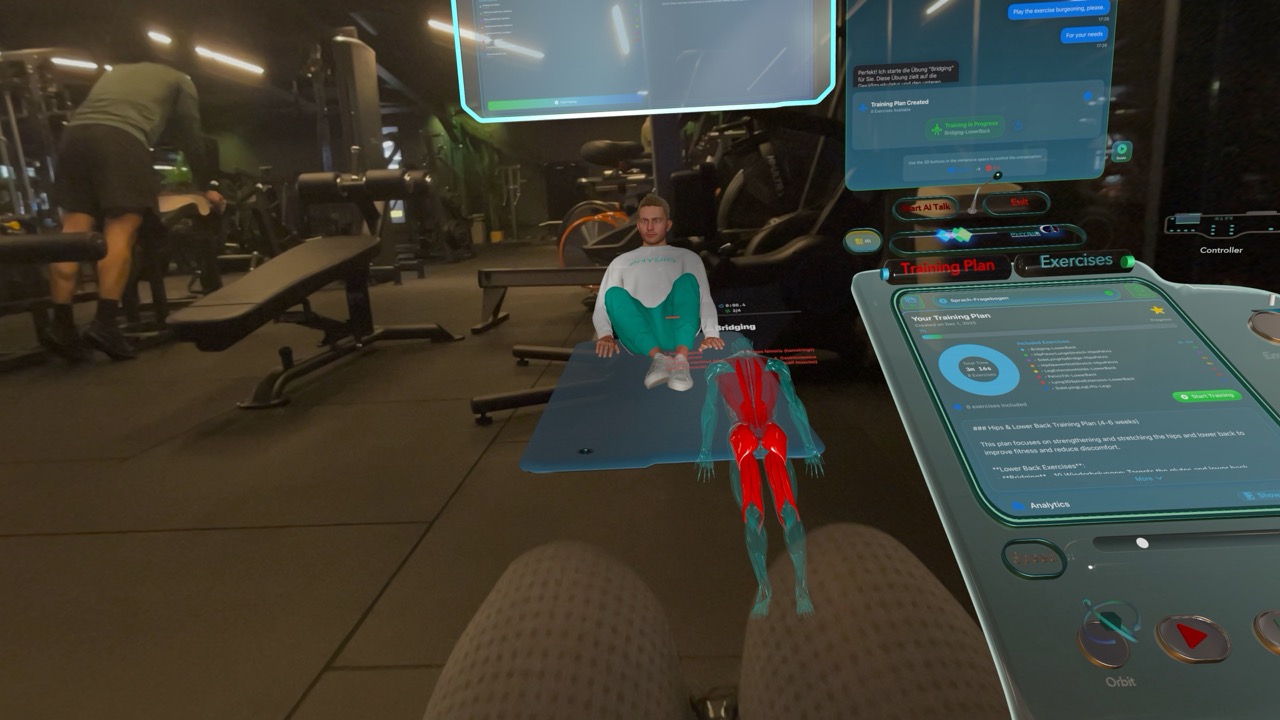
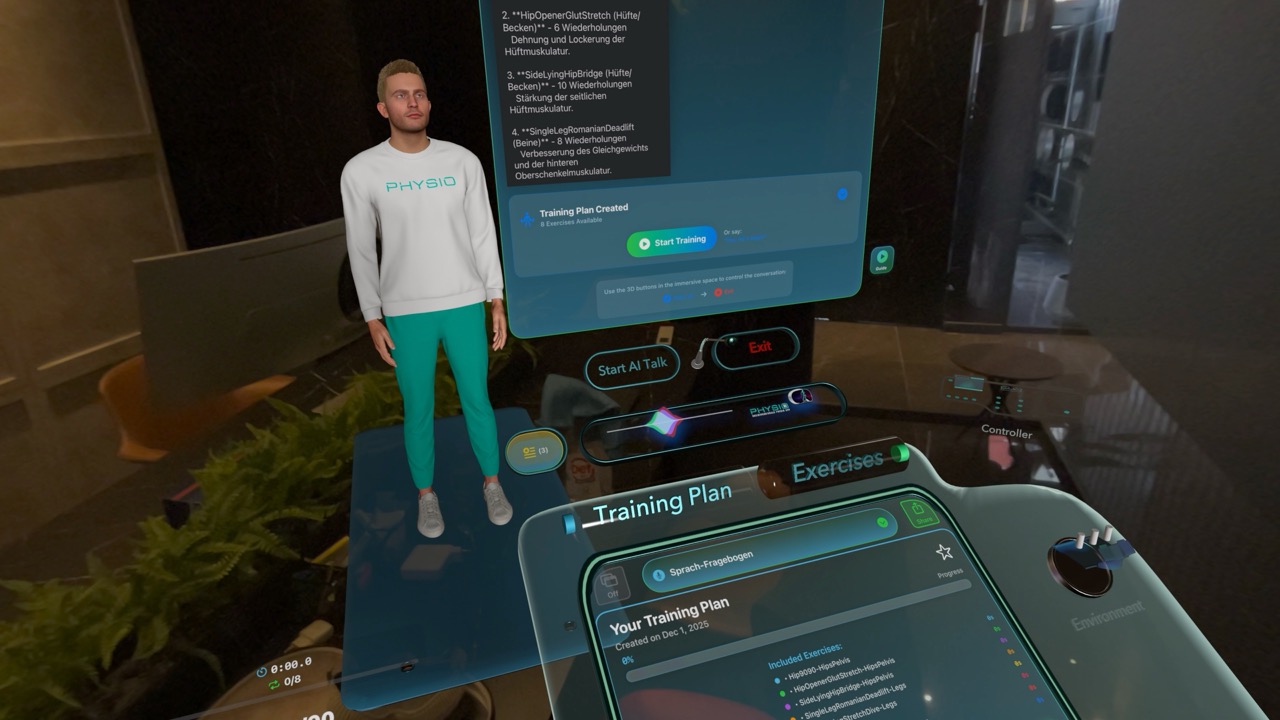
An AI voice coach is a digital training companion you control with natural speech: you talk to it like you would to a person, it understands what you’re asking, and it answers in real time. Physia AI is the AI voice coach from Physio3D — it creates training plans, answers questions about your training, and guides you hands-free through your exercises on iPhone, iPad, and Apple Vision Pro.
The difference from classic apps is in how you operate it. Instead of tapping through menus, you just say what you need: “Create a plan for my shoulder.” “Start my training for today.” “What was the starting position again?” Physia doesn’t rely on rigid commands — it understands natural language, complete with follow-ups, detours, and everyday phrasing, the way real conversations work.
How that works technically, where the limits are, and what happens with your data — the following sections lay it out.
How does the voice control work?
Physia AI is built on OpenAI Realtime, a technology for real-time voice conversations. Put simply: you have an ongoing voice conversation and can ask follow-ups, interrupt, or change the subject. Real-time conversation does not guarantee an immediate response or instant plan creation.
You can use your voice to pause or resume an exercise. All three Physio3D apps have interfaces in German, English, French, and Spanish. Physia can also reply in other languages.
The kinds of questions you can ask are more flexible than what you may know from voice assistants, too. There are no commands to memorize: “What have I trained this week?”, “Show me something for my lower back,” or a simple “Next” — Physia interprets the request in the context of your training and responds accordingly.
What can Physia AI actually do?
On Apple Vision Pro and in Physio3D Realtime, Physia helps from your first plan to a look back at your training week.
Create training plans in conversation. Describe your training wishes. Planning in Realtime considers your training area, duration, wellbeing, activity, goal and anything else you choose to add. Discomfort is not required. In the Realtime voice conversation, Physia combines a summary with the open invitation to add anything, then builds a supportive plan from the existing exercise catalog after your reply. Add a schedule if you wish after saving.
Trainer uses local Apple Intelligence for AI plans and also offers a manual plan editor. Physia cloud conversations are available in Realtime and Vision Pro. PDF import and analysis differ by app; an arbitrary PDF from a clinic is not guaranteed to become an executable training plan.
Look up exercises. Ask Physia to show exercises for a body region. Open the exercise details to see the muscles involved on a 3D model.
Control exercises by voice. In Physio3D Realtime, start an AR exercise, pause, resume or move to the next exercise in your plan. On Apple Vision Pro, Physia supports selected voice actions for training in your space.
Review your activity. Ask about your recorded activity for a specific period. For a selected training plan, you can request an AI report, compare days or weeks, and save the report.
Where are the limits?
An AI voice coach is a training tool — not a medical counterpart. Naming that clearly from the start prevents false expectations. Three limits matter:
No diagnosis or medical clearance to exercise. Health information you volunteer may inform supportive plan creation. This support is not medical clearance or a guarantee that a plan is suitable. Review the suggested exercises before training. It is not a medical assessment and does not replace advice from your doctor or physiotherapist.
No replacement for therapy. Physia AI is meant to complement physical therapy — for exercising between appointments, not in their place. Treatment itself stays where it belongs: with your care team.
A language model, not a human. As natural as the conversation feels, Physia remains software. For anything uncertain about your health, a trained professional is the right person to ask.
Physio3D is a supportive tool and doesn’t replace medical advice or diagnosis.
What about data privacy?
With an app you talk to, the question is more than fair: what happens to my voice and my training data?
Physio3D is developed in Cologne, Germany. For voice conversations, Physia AI uses OpenAI’s Realtime technology; which data is processed, and how, is laid out in the privacy policy. The apps are free on the App Store, with no subscription. For voice conversations with Physia, you use your own OpenAI key (Bring Your Own Key): it’s stored encrypted in the Apple Keychain, never transmitted to Physio3D, and you can remove it anytime. And if you have questions about how your data is handled, you reach the team directly in Cologne — not just an anonymous form.
Bottom line: talking instead of tapping
Talk through your plan with Physia, adjust your next training week or say “Pause” during an AR exercise. Use your voice to handle parts of your training routine.