

Physio3D Trainer · iPhone & iPad
Plan. Train.
Stay on track.
Physio3D Trainer is your planning hub for iPhone and iPad: build every plan yourself in the manual editor and schedule sessions in the training calendar with reminders. Manual planning and exercises work offline.

Physio3D Trainer
Train together.
Achieve together.
Put exercise programmes together yourself and pass them on as a PDF — to friends, family, your therapist, or your practice. A training calendar with reminders keeps you on track. Manual planning and exercises without a Physia cloud conversation.
Download nowTraining flow at a glance
From plan to progress.
Put your own exercises together and see how regularly you train. You can do both offline on iPhone and iPad.
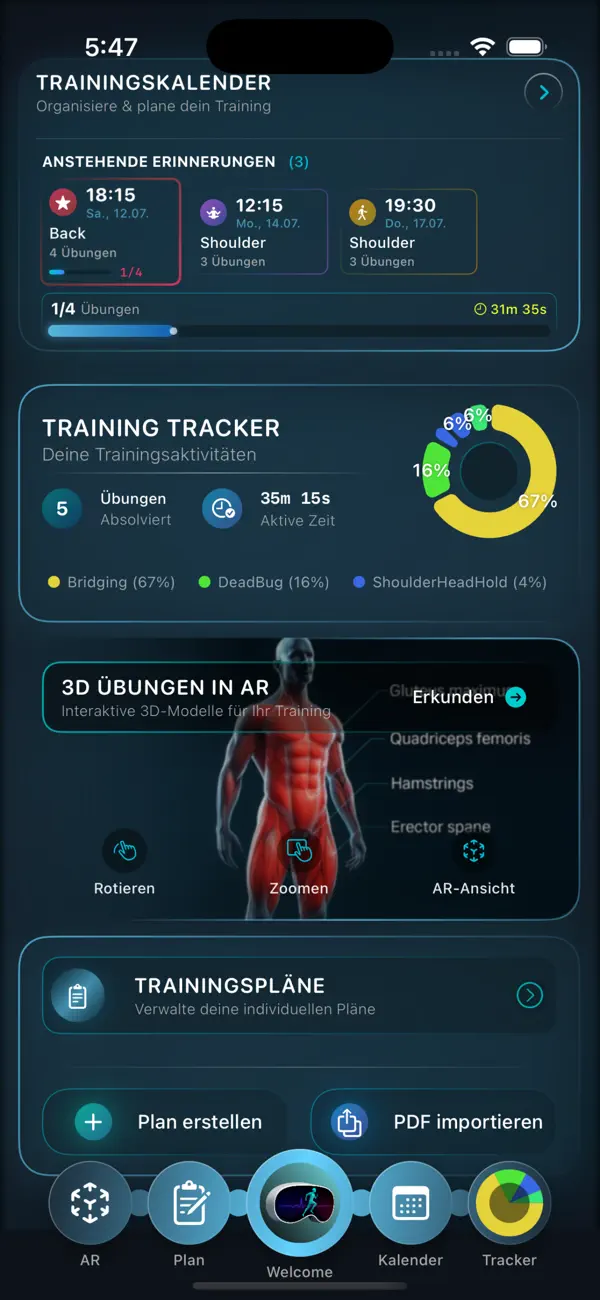
Physio3D Trainer · App Store screenshot · German interface Step 01
Build your plan — exactly the way you want
Exercises, order, repetitions, and notes: in the manual editor you put every plan together yourself. Add scheduling and reminders afterwards if you wish.
- Manual editor
- Training calendar with reminders
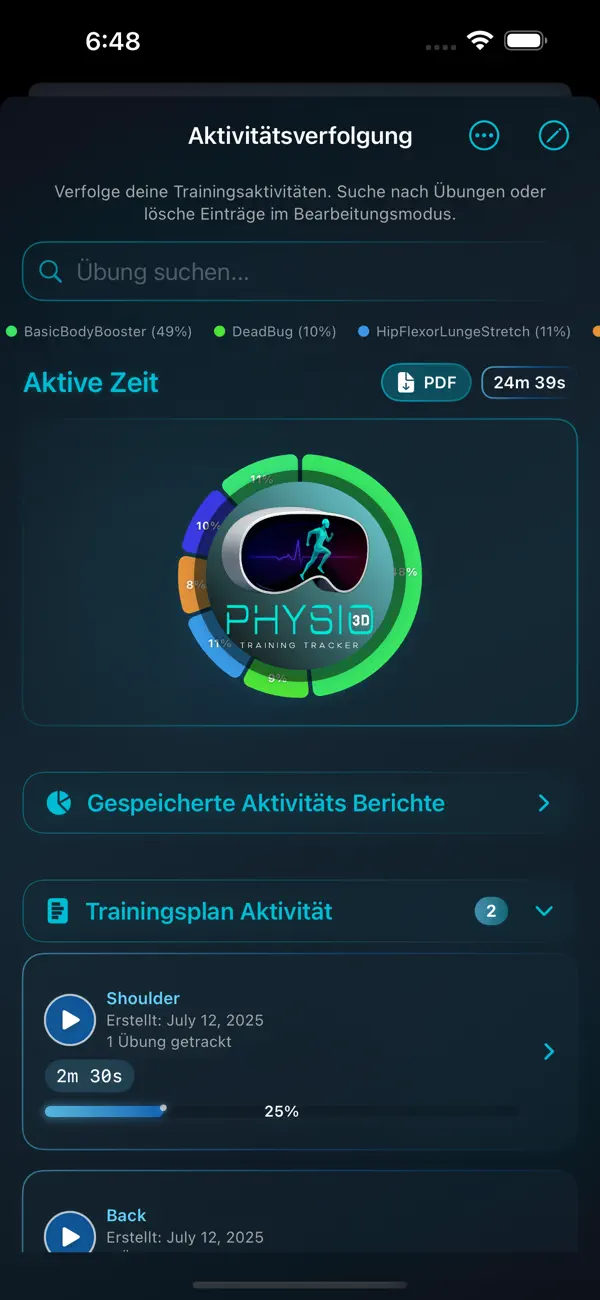
Physio3D Trainer · App Store screenshot · German interface Step 02
See and share your progress
Seven metrics show how consistently you’re training — calculated offline on your device. Share your activity report as a PDF with one tap: with friends, family, or your therapist.
- 7 metrics
- Activity report as PDF
- Share via the share sheet
Physio3D Trainer
A training plan you can share.
Create individual training plans and share them as PDFs — with friends, family, or your therapist. The training calendar with reminders keeps you on track. Manual planning and exercises work offline.
Complements your therapy. No diagnosis.
Already using Physio3D Trainer? Your experience helps others choose an app.
Review on the App StoreIDEAL WORKFLOW · PRACTICE LOOP
The ideal therapy workflow starts with the physio.
Professional planning, PDF as the connective tissue, training in Physio3D and clear feedback — so that therapist or coach support stays tangible in daily life.
The four ways to create a plan remain open; here we show the reference loop connected to the practice.

Practice
Create the plan — physio / trainer
Therapist or coach designs an individual sequence with exercises, order, reps and cues. The Physio3D Trainer iOS app is built for manual planning and PDF workflows.
Export & share
The plan is handed over, sent or archived — no media break, no repeated explanation. The structure stays intact and can be re-imported later.
Physio3D
Import & training
The patient imports the PDF plan and keeps training — immersive at home with Apple Vision Pro or flexible on the go with iPhone and iPad.
Feedback
Share the activity report
In Realtime, share a saved report as a PDF to bring a record of your training to your next appointment.
10 iPhone screenshots from the App Store
A look inside the app.
Use the arrow keys to move between scenes. The screenshots show the German interface.
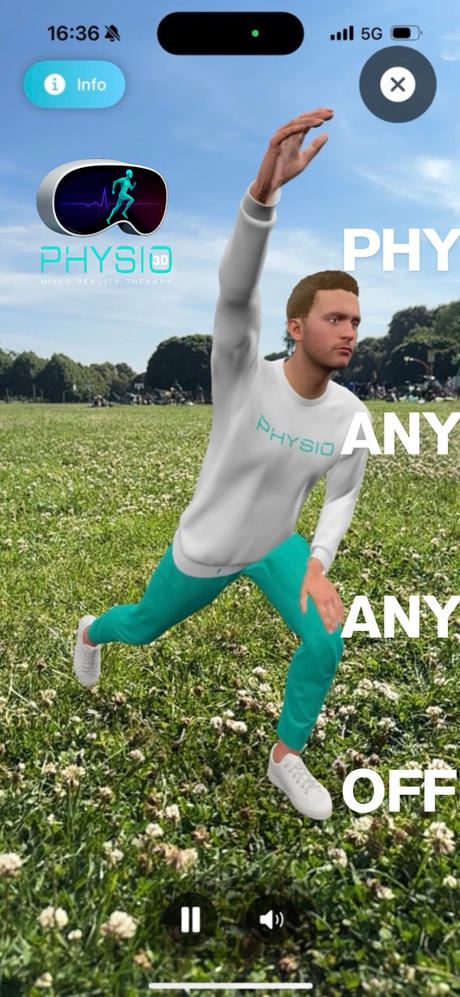
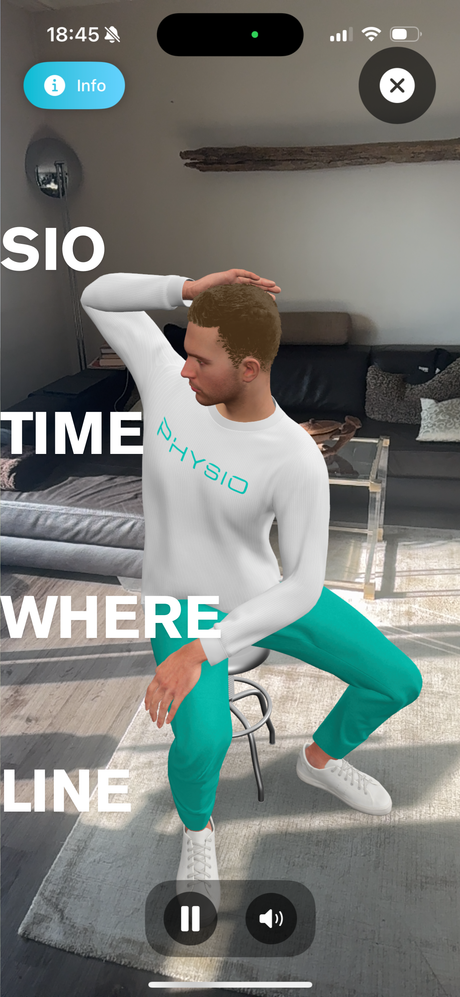
Training in AR
Home screen
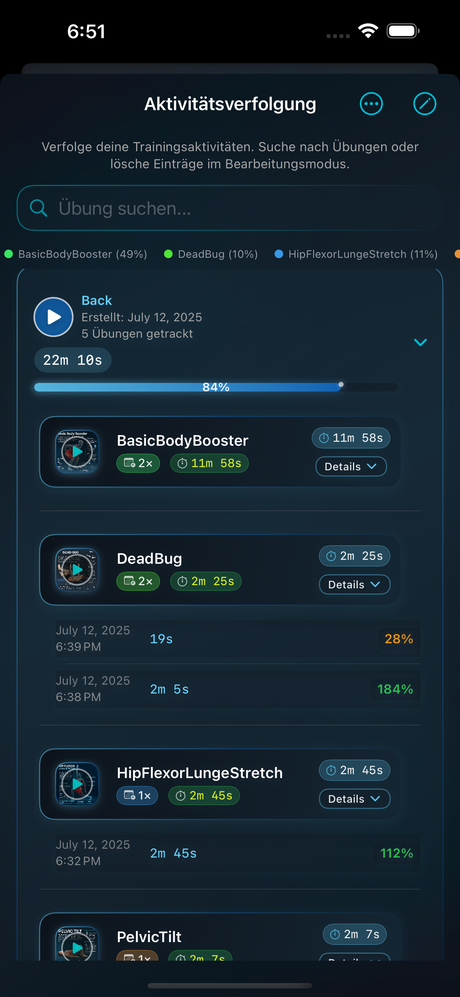
Activity tracking
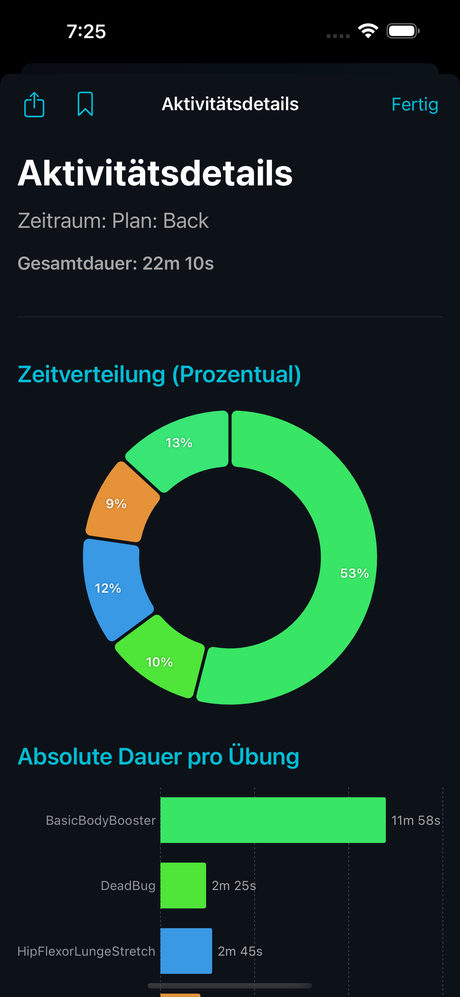
Activity details
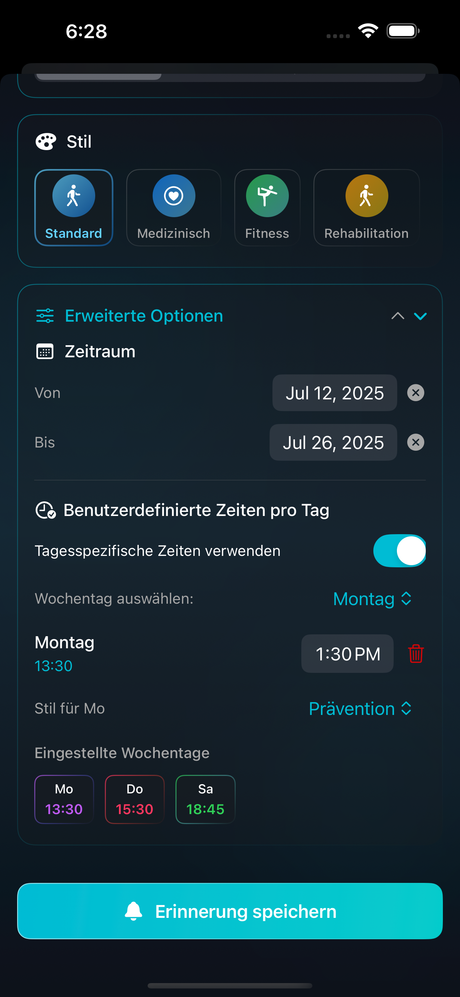
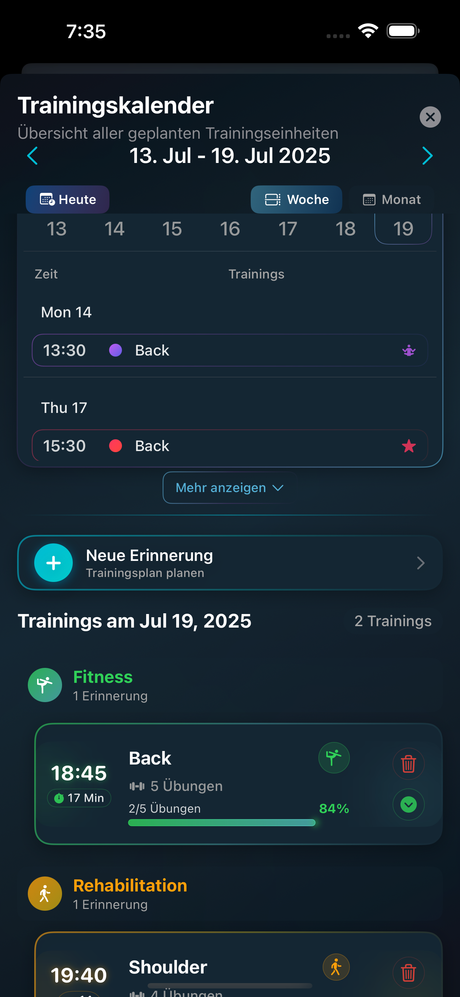
Workout times and calendar
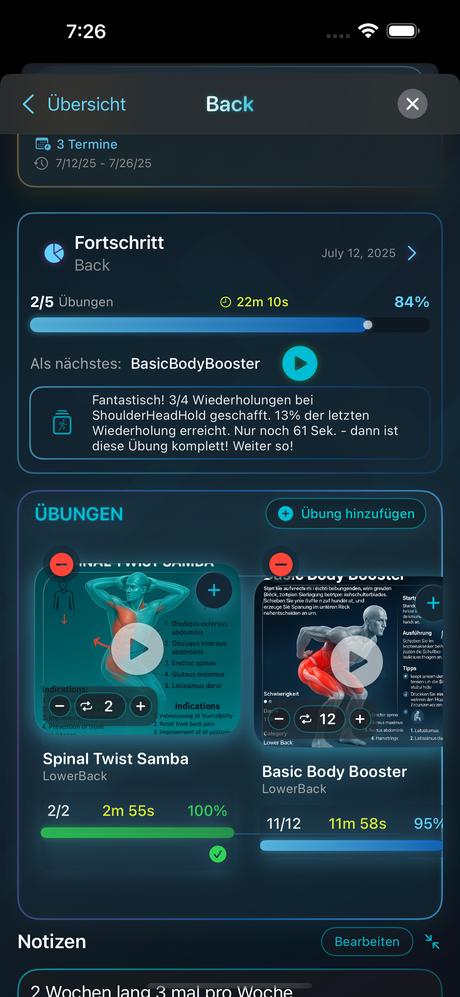
Your training plan
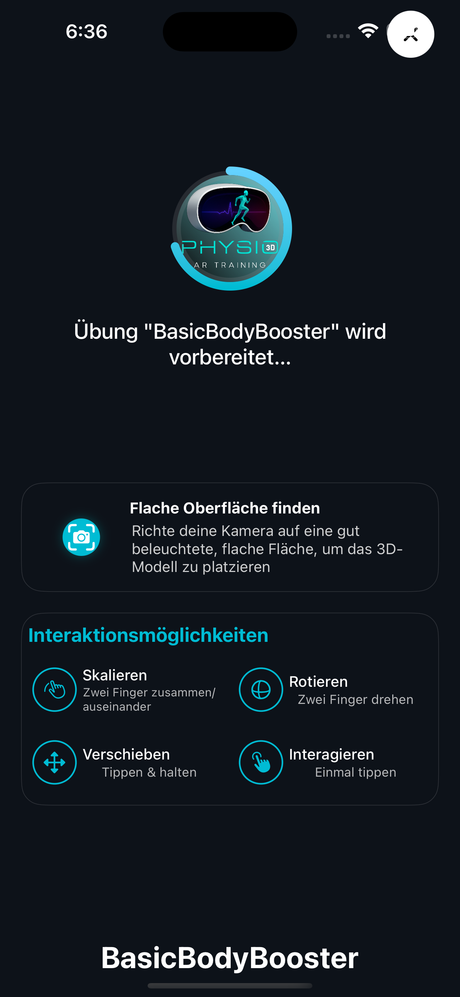
Starting an AR exercise
For iPhone and iPad with iOS or iPadOS 18 or later.
Features
Everything at a glance
Plan and train offline
Your exercises, plans and saved activities are available offline.
Calendar & reminders
Schedule sessions ahead of time and get a push reminder when it’s time to train — the training calendar is exclusive to Trainer.
Manual plan editor
Exercises, order, repetitions, and notes: you put every plan together exactly the way you want — the full editor lives only here.
Your training as charts
Seven metrics like training time, sessions, and your streak show at a glance how consistently you’re staying on track — calculated fully offline.
Share your training plan as a PDF.
Export your plan and share it with your physio or trainer. Supported plan PDFs and imported details depend on the app and format.
Frequently asked questions
Frequently asked questions about Physio3D Trainer
What is Physio3D Trainer?
Physio3D Trainer is the planning app for iPhone and iPad: you put training plans together manually — exercises, order, repetitions — and use them day to day with a calendar and reminders.
Can I use Trainer offline?
Yes. You can build plans, view exercises and review your saved activity offline. Sharing a PDF through an external service may require internet access.
Can I share plans with my therapist?
You can export your plan as a PDF and share it through the share menu. Importing and retaining week/day changes depend on the PDF format and app version; lossless exchange across all three apps is not guaranteed.
Write to us.
Questions about our apps, partnerships, or Physia? We’d love to hear from you.